
Restoration software
Restoration software that documents every job from first call to final dry.
Answer the 2 AM burst-pipe call, get a crew rolling in minutes, and keep moisture readings, equipment, photos, and scopes organized so nothing is missing when the file is reviewed.
14-day free trial. No credit card.
Why Homeforce
Built around how restoration businesses actually work.
The problems restoration owners run into most — and how Homeforce handles each one.
- 01
Problem: Emergency calls come in overnight and the on-call tech hears about it an hour late.
With Homeforce: The AI CSR answers around the clock, captures loss type and cause, and pages the on-call crew with the address and notes.
- 02
Problem: Daily moisture readings live on paper sheets that get wet, lost, or skipped.
With Homeforce: Techs log readings by room and material on their phones each visit, and drying progress is charted against your dry standard.
- 03
Problem: Nobody knows which job has the missing dehumidifier.
With Homeforce: Every air mover, dehumidifier, and air scrubber is tracked to a job and room, with placed and pulled dates.
- 04
Problem: Scopes and photos are scattered across phones, so files go back and forth for weeks.
With Homeforce: Photos, readings, and an itemized scope live on one job record you can share with the homeowner and their adjuster.
How it works
A day in a restoration business, on Homeforce.
Water mitigation, fire and smoke cleanup, and mold remediation — run each job with the documentation the work demands.
24/7 intake
Get the details right at 2 AM.
After-hours calls are answered, triaged by loss type, and turned into an emergency job. The on-call crew gets the address, source of loss, and access notes before they start the truck.
Moisture readings
Daily readings, charted to dry standard.
Each visit, techs record moisture content by room and material, plus temperature and humidity. The log shows what's dry, what isn't, and when equipment can come out.
Placed & pulled
Know where every dehumidifier is sitting.
Assign equipment to a job and room when it's placed, log daily runtime, and record when it's pulled. Idle units and overdue pickups surface on their own.
Photos & sign-offs
The file is complete before you leave the house.
Required photo sets, cause-of-loss notes, work authorization, and moisture maps are built into the job checklist. Techs can't close the visit with gaps.
Itemized scope
An itemized scope everyone can read.
Build the scope from your pricebook — extraction, removal, equipment days, antimicrobial — with quantities tied to the readings and photos. Share it with the homeowner and their adjuster from the same record.
Built for restoration
The features restoration teams use most.
- AI CSRAnswers every call 24/7 and books the job.Learn more
- Dispatch & schedulingOne drag-and-drop board for every tech and job.Learn more
- Mobile appEverything techs need in the field — even offline.Learn more
- Forms & checklistsConsistent inspections, photos, and sign-offs on every job.Learn more
- Inventory & purchasingKnow what's on every truck and what to reorder.Learn more
- Projects & job costingMulti-week jobs scheduled, tracked, and costed live.Learn more
- InvoicingInvoices that build themselves from the finished job.Learn more
- Customer portalSelf-serve approvals, payments, and history for customers.Learn more
On site
Techs capture the job once, on the phone in their hand.
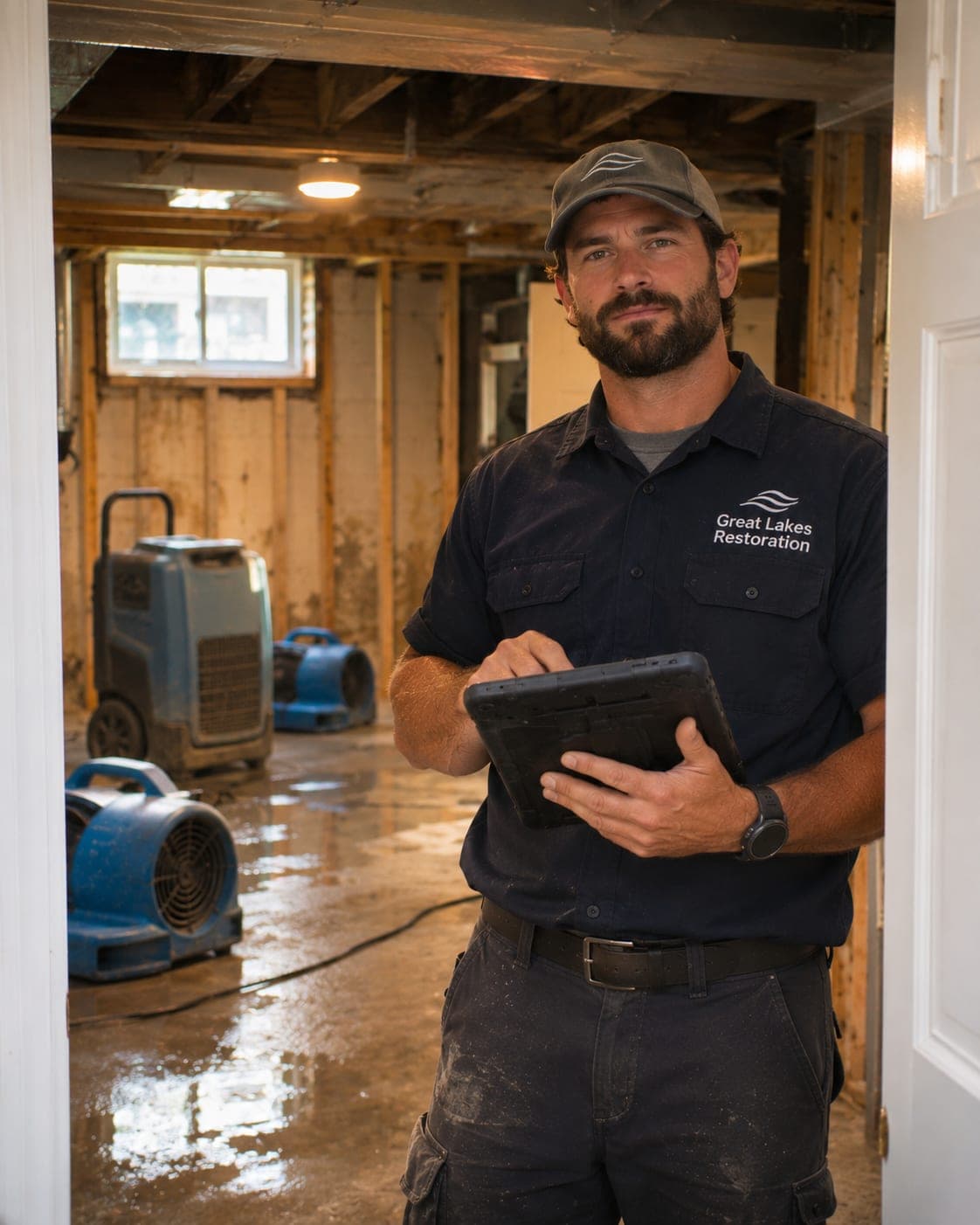
Readings, photos, equipment, and notes go straight into the job record from the field — even in a basement with no signal. The office sees drying progress without calling the crew.
- Moisture readings by room and material, every visit
- Equipment placed and pulled by unit number
- Photo sets required before a visit can close
- Rebuild work runs as a project on the same customer record
FAQ
Restoration software questions, answered.
Have a question we didn't cover? Book a demo and ask a product specialist.
Can Homeforce handle 24/7 emergency dispatch for restoration?
Yes. The AI CSR, a usage-based add-on, answers after-hours calls, records loss type and cause, creates an emergency job, and alerts your on-call crew. Your team decides which calls go straight to a person.
How are moisture readings and drying logs recorded?
Techs enter readings by room and material each visit from the mobile app, along with temperature and relative humidity. The job shows progress toward your dry standard over time.
Can I share documentation with an insurance adjuster?
You can share the itemized scope, photos, and drying log from the job record. Homeforce organizes the documentation; claim decisions remain between the homeowner and their insurer.
Does it track drying equipment?
Yes. Each dehumidifier, air mover, and air scrubber can be assigned to a job and room with placed and pulled dates, so you always know where every unit is.
Can mitigation and rebuild live on the same job?
Yes. Mitigation runs as service visits, and the rebuild can run as a project with phases, change orders, and progress billing on the same customer record.
Run your restoration business on Homeforce.
Start a 14-day free trial, or see it with your own jobs, techs, and pricebook in a 30-minute demo.
14-day free trial · No credit card · Month-to-month · Free data migration