
Flooring software
Flooring software that gets the measure, the material, and the crew right.
Measure room by room with waste built in, let customers choose materials with real lead times, price subfloor surprises before you fix them, and schedule install crews around deliveries.
14-day free trial. No credit card.
Why Homeforce
Built around how flooring businesses actually work.
The problems flooring owners run into most — and how Homeforce handles each one.
- 01
Problem: Square footage gets rounded on a notepad and the job comes up two boxes short.
With Homeforce: Measures are entered per room with a waste factor by material, so the order quantity is right the first time.
- 02
Problem: Customers pick a product that's six weeks out and nobody tells them until install day.
With Homeforce: Selections carry supplier lead times, and the install date is scheduled from the expected delivery.
- 03
Problem: Out-of-level subfloors turn into free work.
With Homeforce: Subfloor prep is priced as a change order on the tablet and signed before the leveling compound comes out.
- 04
Problem: Crews arrive before the material does.
With Homeforce: Orders, deliveries, and crew days live on the same job, so install dates move when deliveries move.
How it works
A day in a flooring business, on Homeforce.
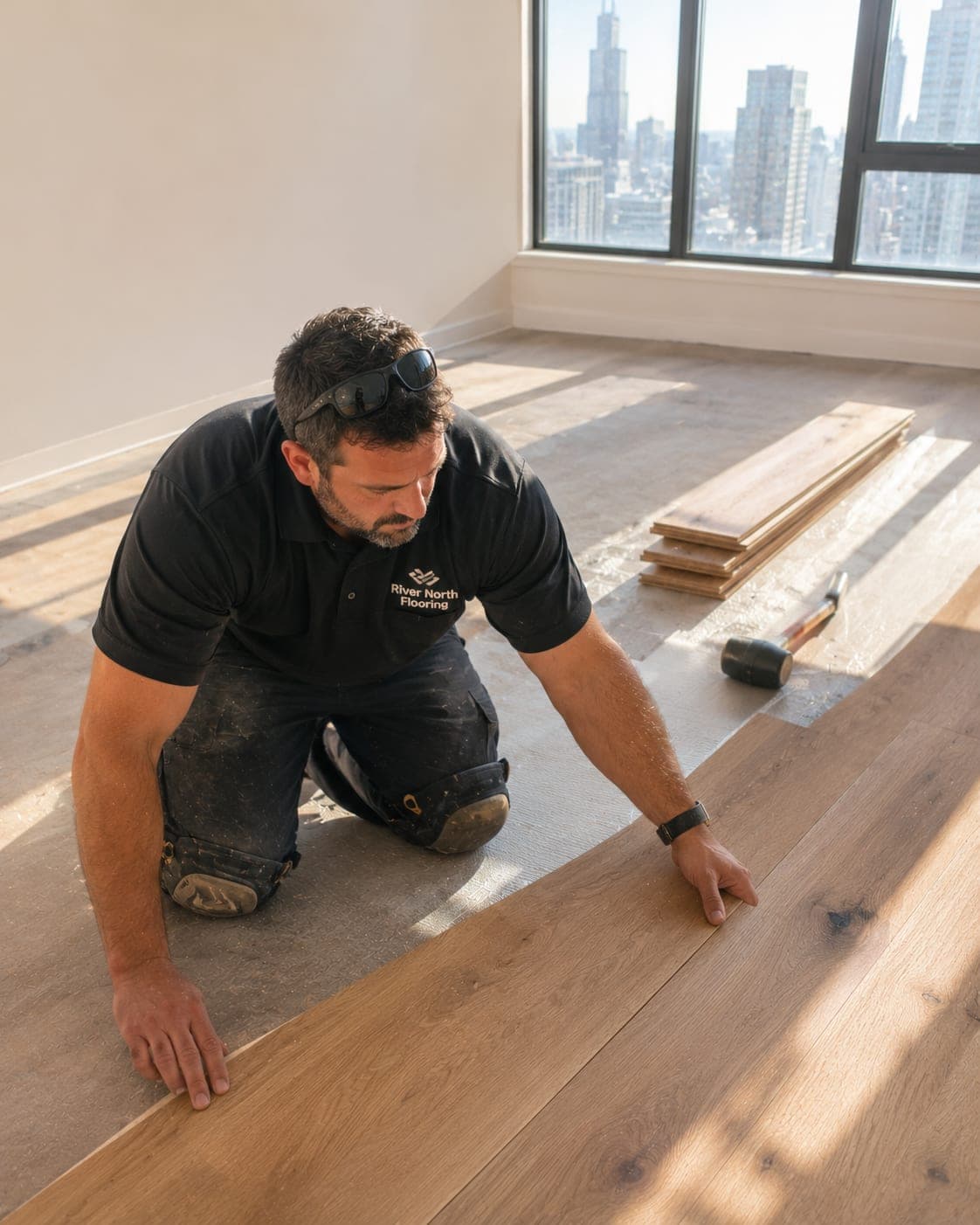
LVP, hardwood, tile, and carpet — from in-home measure to final transition strip.
Room by room
Accurate square footage with waste built in.
Enter room dimensions or sketch them on the tablet. Homeforce totals square footage, applies the waste factor for the material and pattern, and rounds up to full cartons.
Materials
Options with price, warranty, and lead time.
Show material options side by side with installed price, wear layer or finish, and expected lead time, so customers choose with the schedule in mind.
Lead times
Know when the material lands.
Purchase orders come straight from the selection and measure. Expected delivery dates sit on the job, and the office sees which installs are waiting on material.
Change orders
Price the subfloor before you level it.
When the old floor comes up and the subfloor isn't flat, the crew lead adds leveling or plywood replacement from your pricebook and gets a signature on site.
Scheduling
Crews booked to delivery dates.
See every install crew's week, with demo, prep, and install days per job. When a delivery slips, move the job and the customer gets a text with the new date.
Built for flooring
The features flooring teams use most.
- Estimates & proposalsGood / better / best options, signed on the spot.Learn more
- Consumer financingMonthly payment options that keep big jobs moving.Learn more
- Change orders & progress billingApproved scope changes and milestone billing, in order.Learn more
- Inventory & purchasingKnow what's on every truck and what to reorder.Learn more
- Dispatch & schedulingOne drag-and-drop board for every tech and job.Learn more
- Projects & job costingMulti-week jobs scheduled, tracked, and costed live.Learn more
- Customer portalSelf-serve approvals, payments, and history for customers.Learn more
- ReviewsAsk every happy customer for a review at the right moment.Learn more
On the job
From measure to final walkthrough on one phone.
Estimators measure and sell on site. Install crews see room-by-room scope, selections, and transitions, then log progress and photos so the office knows when to send the final invoice.
- Room measures and diagrams attached to the job
- Selections and transition notes visible to the crew
- Change orders signed before extra work starts
- Crew hours tracked by job for accurate costing
FAQ
Flooring software questions, answered.
Have a question we didn't cover? Book a demo and ask a product specialist.
Can I add a waste factor to flooring measures?
Yes. Set default waste by material and pattern — for example a higher factor for herringbone or diagonal tile — and order quantities round up to full cartons automatically.
How do material lead times affect scheduling?
Each selection can carry a lead time and each purchase order an expected delivery date. Installs waiting on material are flagged so you schedule crews to the delivery, not the guess.
How are subfloor surprises handled?
The crew lead adds a change order from your pricebook — leveling, plywood, moisture barrier — and the customer signs on site. The contract and final invoice update automatically.
Can I track flooring inventory?
Inventory and purchasing are included on Scale and up, so you can track material by warehouse, job, and supplier order.
Run your flooring business on Homeforce.
Start a 14-day free trial, or see it with your own jobs, techs, and pricebook in a 30-minute demo.
14-day free trial · No credit card · Month-to-month · Free data migration