
Pressure washing software
Pressure washing software that quotes by the square foot and fills the calendar every season.
Measure houses, roofs, driveways, and decks from photos or aerial measurements, send soft wash and sealing options in minutes, move rained-out days in one step, and run spring campaigns to past customers.
14-day free trial. No credit card.
Why Homeforce
Built around how pressure washing businesses actually work.
The problems pressure washing owners run into most — and how Homeforce handles each one.
- 01
Problem: Every quote means a drive-by to measure the driveway and pace off the deck.
With Homeforce: Quote from customer photos or aerial measurements by square foot, and send the estimate the same day.
- 02
Problem: Customers don't understand the difference between a pressure wash and a soft wash.
With Homeforce: Present house wash, roof soft wash, and sealing as clear options with photos and what each includes.
- 03
Problem: One rainy week means twenty phone calls to reschedule.
With Homeforce: Move a day's jobs to the next open dates and every customer gets a text with their new window.
- 04
Problem: The phone goes quiet in winter and you start spring from zero.
With Homeforce: Seasonal campaigns to past customers fill spring and fall before the first warm weekend.
How it works
A day in a pressure washing business, on Homeforce.
House washes, roofs, flatwork, decks, and commercial lots — measured, quoted, scheduled around the weather, and rebooked every season.
Quote by square foot
Measure without the drive.
Use customer photos or aerial measurements to size the house, roof, driveway, and deck. Your rates per square foot apply automatically, with minimums and surface-specific pricing.
Soft wash & sealing
Let customers choose the bigger job.
Bundle surfaces into tiers so customers see the full picture — house wash, then roof soft wash, then deck sealing. Most pick the middle, and they sign from their phone.
Rain days
Move a rained-out day in one step.
When the forecast turns, select the day's jobs and shift them to the next open slots. The board rebalances, and every customer gets a text with the new date.
Seasonal demand
Start spring with a full board.
Target past customers by service and last visit date, send spring and fall offers by email and text, and track bookings and revenue from each campaign.
On site
Photos that sell the next job.
Techs capture before and after photos on every surface, note oxidation or damage, and close out with payment. The photos go to the customer with a review request.
Built for pressure washing
The features pressure washing teams use most.
- Estimates & proposalsGood / better / best options, signed on the spot.Learn more
- AI estimatesOption-based estimates drafted from photos and history.Learn more
- Marketing campaignsEmail, SMS, and postcards aimed at your own customer list.Learn more
- Dispatch & schedulingOne drag-and-drop board for every tech and job.Learn more
- Online bookingLet customers book real open slots from your website.Learn more
- Two-way textingText customers from one shared, business-owned number.Learn more
- ReviewsAsk every happy customer for a review at the right moment.Learn more
- PaymentsCard, ACH, and tap to pay — collected in full.Learn more
Rigs in the field
Every rig knows the surfaces, the chemicals, and the next stop.
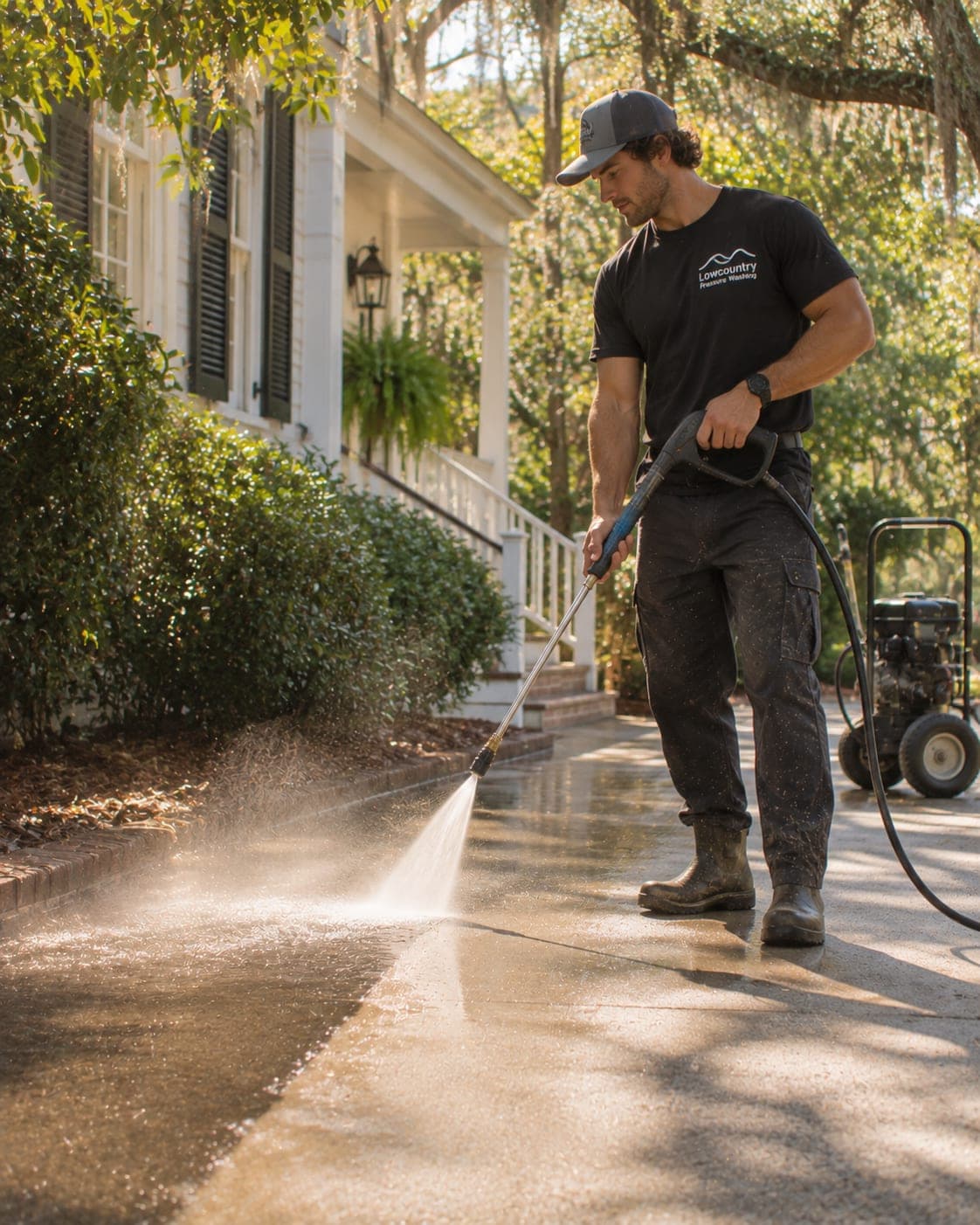
Crews see each job's surfaces, measurements, and approved options with notes on plants to protect and water access. They log chemical mixes, capture photos, and collect before pulling out of the driveway.
- Surfaces and square footage on every job
- Chemical mix and plant-protection notes
- Before and after photos sent to the customer
- Upsells like gutters or sealing added on site
FAQ
Pressure washing software questions, answered.
Have a question we didn't cover? Book a demo and ask a product specialist.
Can I quote pressure washing by square foot?
Yes. Set per-square-foot rates by surface — siding, roofs, concrete, decks — with job minimums, and measure from customer photos, aerial imagery, or on site.
Can I offer soft washing as a separate option?
Yes. Build good / better / best options that bundle house washing, roof soft washing, flatwork, and sealing so customers can choose the scope.
How do I reschedule jobs for rain?
Select the affected jobs on the board and move them to the next open dates. Customers are notified by text automatically, and crews see the updated schedule on their phones.
Can I run seasonal campaigns to past customers?
Yes. Campaigns are included on Pro and up with usage-based sending. Target customers by service and last visit, and track bookings from each campaign.
Run your pressure washing business on Homeforce.
Start a 14-day free trial, or see it with your own jobs, techs, and pricebook in a 30-minute demo.
14-day free trial · No credit card · Month-to-month · Free data migration